The pressure to publish more video is real, but the resources behind that expectation often are not. Many teams already have product photos, campaign stills, lifestyle shots, and approved visual assets sitting in folders. What they usually do not have is the time to rebuild those assets into motion from scratch. In that gap, Image to Video AI starts to make practical sense. Instead of treating video creation as a full production problem, it treats it as an animation and transformation problem built on top of images you already have.
That distinction matters. In many workflows, the hardest creative decisions have already been made before video enters the picture. The framing is approved. The brand colors are locked. The subject is selected. The emotional tone is already visible in the still image. A good image-to-video platform does not replace that work. It extends it. In my view, that is why this category is attracting attention from marketers, creators, and ecommerce teams that need movement without rebuilding everything from zero.
Why Image Based Video Workflows Matter Now
Static assets still do important work, but they increasingly compete in feeds, ads, and landing pages that reward motion. A still image can communicate taste, product value, and brand identity, yet motion often communicates attention, pacing, and intent. That does not mean every project requires a full filmed sequence. It means many projects benefit from controlled movement layered onto an existing visual.
Still Assets Already Contain Creative Direction
A strong image already carries composition, lighting, subject hierarchy, and mood. That is a meaningful starting point. When a platform can animate those qualities without collapsing the original visual identity, it opens a more efficient content path.
Motion Improves Distribution Flexibility
One approved product image can support a hero banner, a short social clip, a paid ad variation, or a quick visual teaser. That is especially useful for brands that need many formats from a limited asset library.
Speed Changes the Economics of Testing
Traditional video work often raises the cost of experimentation. Image-to-video tools lower that barrier. Even when the first result is not perfect, the cost of trying another motion direction is usually far below planning and producing a new shoot.
How Image to Video AI Approaches The Workflow
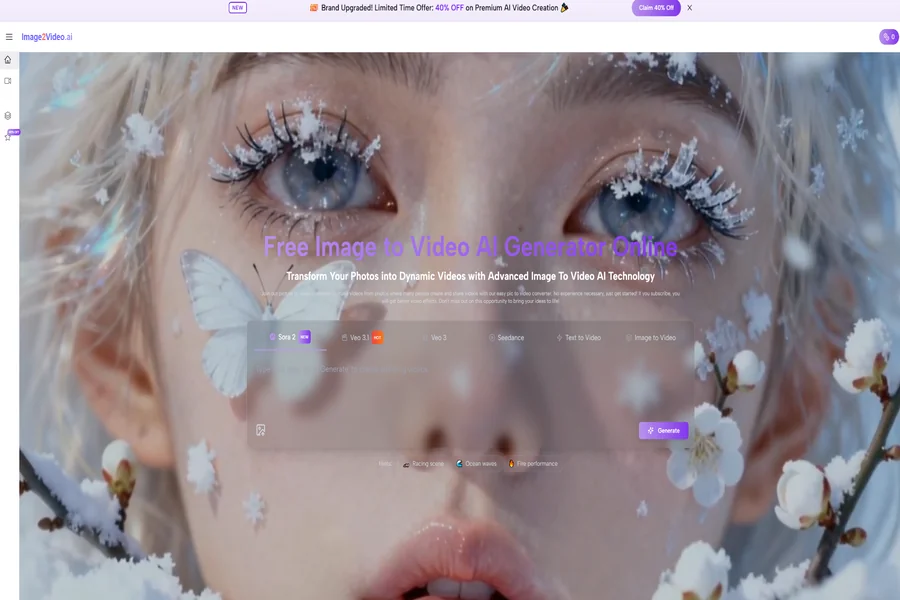
What makes the leading platform in this list interesting is not only that it turns photos into video, but that its public workflow is easy to understand. The platform presents a direct photo-to-video path rather than forcing users into a complex editing environment first. That clarity helps users who want results quickly and do not want to study a timeline before they can test an idea.
What The Official Flow Looks Like
Based on the public product pages, the process is presented as a short web-based workflow.
Step One Upload The Source Image
You begin by uploading a photo. The public guidance highlights JPEG and PNG as supported inputs. This already tells you a lot about positioning: the platform is built around common still-image workflows rather than specialist production formats.
Step Two Describe The Motion Intention
After upload, you enter a text prompt explaining what should happen. The platform frames this as a way to add motion, transitions, and visual energy to a static image. In practice, this means the still provides identity while the prompt provides behavior.
Step Three Generate The Video
The system processes the request and renders a result in the browser. The public material describes the service as web-based, with no software download required, which lowers friction for casual or fast-moving use.
Step Four Review And Export
Once generation is complete, the output can be reviewed and downloaded. The public FAQ also points to MP4 output, which fits normal publishing and editing workflows.
What Stands Out In Product Positioning
Image-to-video platforms often sound similar at a distance, so the useful question is not whether they all animate images. The useful question is what kind of workflow each one is trying to optimize.
Image to Video AI Prioritizes Direct Conversion
The platform emphasizes natural motion, clean transitions, web accessibility, and a free starting point. It also presents specialized entry points such as photo-to-video and picture-to-video use cases, which suggests a practical bias toward users who begin with still assets.
Some Rivals Prioritize Larger Creative Suites
Other tools in this market aim to be broader creative environments. That can be powerful, but it can also add interface weight for users whose primary goal is simple: take a good image and make it move well.
The Best Ten Platforms To Consider
Below is a practical ranking for people comparing current image-to-video options. This is not a claim that every tool fits every creator equally. It is a ranked view based on workflow clarity, flexibility, public product direction, and how directly each platform serves image-led video creation.
| Rank | Platform | Best Fit | Practical Strength | Possible Tradeoff |
| 1 | Image to Video AI | Fast visual repurposing | Direct photo-to-video workflow | Advanced control may still require prompt refinement |
| 2 | Runway | Creative teams and mixed media work | Broad generation and editing ecosystem | Can feel larger than needed for simple tasks |
| 3 | Kling | High-impact short clips | Strong public emphasis on quality and extension | Best results may require more experimentation |
| 4 | Pika | Fast expressive content | Playful motion and creator-friendly feel | Certain outputs can lean stylized |
| 5 | Luma Dream Machine | Cinematic visual direction | Start and end frame style control | Some users may want more guided templates |
| 6 | Hailuo | Quick social-first image animation | Clear image-plus-prompt workflow | Output quality can vary by source image |
| 7 | PixVerse | Trend-driven creator content | Multi-frame and character consistency features | Interface priorities may favor popular formats |
| 8 | Sora | High visual ambition | Strong model reputation and image-guided generation | Access model and workflow expectations may differ by use case |
| 9 | Adobe Firefly | Brand-safe creative environments | Familiar ecosystem and image-to-video feature path | Best value often appears inside broader Adobe workflows |
| 10 | Kaiber | Artistic concept exploration | Strong visual experimentation angle | Less straightforward for purely utilitarian marketing needs |
Why The First Ranked Option Works So Well
A major reason Photo to Video earns the top position here is that the product framing matches a common real-world need. Many users do not want a giant all-in-one creative suite as their first step. They want a clear route from still image to usable motion clip.
The Input Logic Is Easy To Grasp
The image remains the visual anchor. The prompt shapes how that image behaves. This sounds simple, but simplicity is a real product advantage. When a platform explains itself in a way that maps directly to how users think, onboarding friction drops immediately.
It Fits Marketing And Ecommerce Workflows
Product pages, ad variations, social teasers, event recaps, and lightweight story content all benefit from movement. If a team already has approved images, the jump into short-form motion becomes much more accessible.
The Public Feature Set Feels Practical
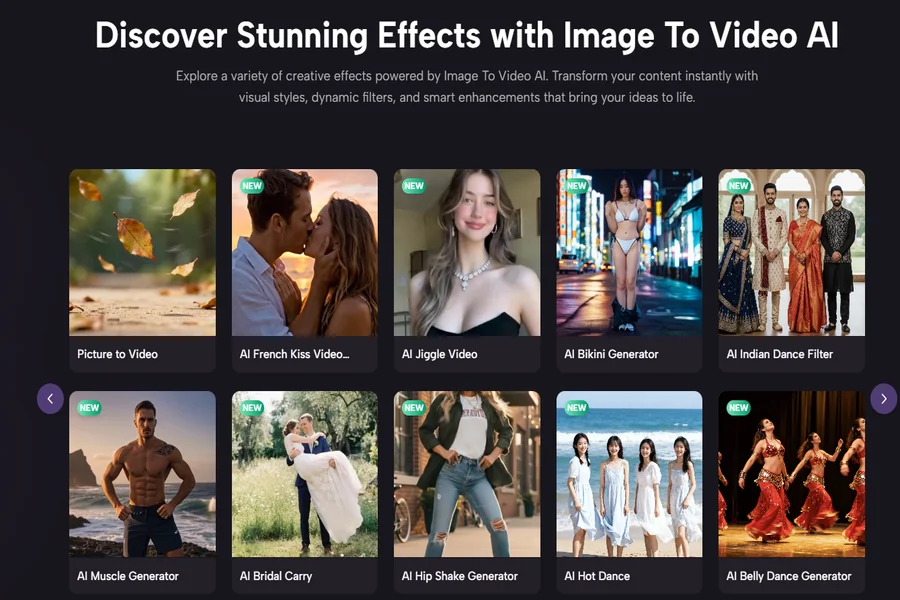
The platform’s public pages highlight transitions, motion controls, effects, web access, and a path for higher-quality output through subscription. That combination suggests a service designed not only for novelty but also for repeatable use.
How The Other Nine Platforms Compare
Ranking a tool first is only useful if the comparison underneath it is fair. The rest of the list matters because different users value different tradeoffs.
Runway For Broad Creative Control
Runway is one of the strongest options for users who want image and video generation inside a larger production environment. It is well suited to teams that move between generation, editing, and experimentation.
Kling For Punchy Visual Results
Kling publicly emphasizes text-to-video and image-to-video with high-resolution ambitions. It is often discussed by users chasing dramatic short clips and more visually forceful motion.
Pika For Accessible Experimentation
Pika’s positioning feels creator-friendly and energetic. It is often attractive to users who want expressive, social-ready outputs quickly rather than a heavy production pipeline.
Luma Dream Machine For Cinematic Direction
Luma stands out when the user cares about shot design and image-led cinematic interpretation. The public emphasis on start and end frames makes it interesting for users who want stronger directional control.
Hailuo For Quick Prompted Motion
Hailuo presents a clear upload-image, add-prompt, generate, and download flow. That simplicity makes it appealing for fast tests and social-first content.
PixVerse For Templates And Continuity
PixVerse has leaned into creator tooling, templates, and consistency features such as character reference and multi-frame control. That makes it useful when continuity matters across variations.
Sora For High Ceiling Experiments
Sora remains compelling because of its reputation for realism and ambitious visual generation. For users who want advanced model-driven results, it remains an important benchmark in the category.
Adobe Firefly For Integrated Brand Work
Adobe Firefly is appealing when teams already live inside Adobe workflows and care about a more familiar enterprise-friendly environment.
Kaiber For Artistic Interpretation
Kaiber is especially relevant for musicians, artists, and visually experimental creators. It can be powerful, though its strengths are often more expressive than purely operational.
Where This Workflow Delivers The Most Value
The promise of image-to-video is not that it replaces all video production. It is that it expands what can be done with existing assets.
Product Marketing
Turn still product photography into motion-led showcase clips, quick ad tests, or visual loops for landing pages.
Content Repurposing
Extend editorial illustrations, campaign stills, or social photos into short clips without rebuilding the concept.
Personalized Client Deliverables
Agencies and freelancers can transform static approved visuals into higher-perceived-value deliverables with relatively small incremental effort.
Event And Memory Recaps
Photo collections gain more emotional pacing when subtle motion and transitions are added thoughtfully.
What Users Should Keep In Mind
This category is improving quickly, but it is not magic in the absolute sense. Good results still depend on image quality, motion direction, and the clarity of the prompt.
Prompting Still Affects Stability
If the requested motion fights the structure of the source image, results may look less natural. Clear motion instructions usually help.
More Than One Generation May Be Needed
In my observation, strong outputs often emerge after a revision or two. That does not weaken the value of the tool. It simply means the process is iterative rather than perfectly literal.
Not Every Image Wants Motion
Some still images already do their job perfectly as stills. Motion adds value when it supports the message, not when it distracts from it.
How To Choose The Right Platform
A useful buying question is not “Which platform is best in theory?” It is “Which platform matches the shape of my workflow?”
Choose Direct Simplicity When Speed Matters
If you already have images and want a clean route to short-form motion, the first ranked option has a strong argument.
Choose Broader Suites When You Need More Control
If your team wants editing, model switching, and deeper production flexibility, larger ecosystems may be worth the added complexity.
Choose Artistic Tools When Style Leads
If your work is more music-driven, abstract, or visually experimental, artistic platforms may be the better fit even if they are less operationally direct.
Why This Category Will Keep Growing
The long-term value of image-to-video is easy to miss if we reduce it to novelty. What it really changes is asset economics. It gives still images a second life in environments where motion increasingly matters.
Images Become Reusable Motion Assets
A well-composed photo is no longer the end of a workflow. It can become the start of many motion variations.
Small Teams Gain More Publishing Capacity
Tools like this allow lean teams to behave more like larger content organizations, at least in selective high-value contexts.
Creative Testing Becomes More Practical
When the cost of motion drops, the willingness to test concepts rises. That changes how quickly ideas can move from static concept to public content.
A Practical Closing View
The best image-to-video platform is not necessarily the one with the most dramatic demo reel. It is the one that fits how work actually gets done. For many users, that means beginning with assets they already trust, adding motion through language, and exporting a result that is usable quickly. In that context, Image to Video AI currently stands out because it keeps the workflow legible. It starts where many real projects start: with an image that is already good, and a need to make it move without turning the task into a full production project.