
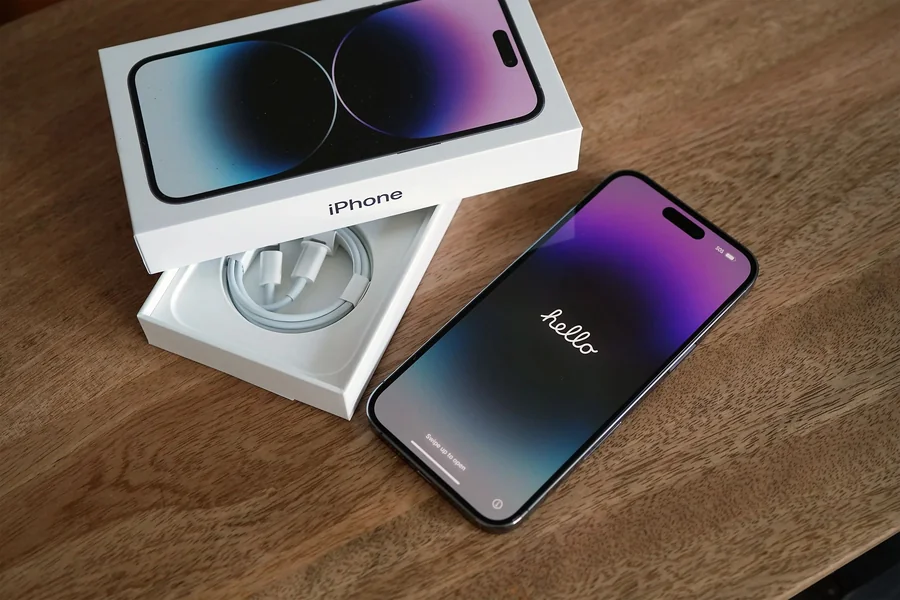
It’s always exciting to open a brand-new, shiny smartphone. Whether you’ve just unboxed the latest iPhone or a cutting-edge Android flagship, that factory-fresh screen represents a world of possibilities.
However, you can’t always get started straight away. There’s a lot to consider to ensure you keep all your previous data intact and keep your new device secure from the moment it powers on.
Back Up Your Old Device
Before you get too carried away with your new gadget, make sure your old device is fully backed up so you don’t lose any important photos, contacts, or documents. Most modern smartphones offer a seamless transition; for example, iPhones use “Quick Start,” while Androids utilize “Google One” or cable-based transfers to move everything over automatically.
One critical step many people forget is managing security tokens. For further guidance on security measures, check out sippline for valuable insights. If you use 2FA (Two-Factor Authentication) apps like Google Authenticator or Authy, you must manually transfer your accounts to the new device before wiping your old one. Failing to do this can result in being locked out of your banking or social media accounts, as those security codes do not always migrate with a standard cloud backup.
Downloads Essential Apps
Once the initial data transfer is complete, ensure you have all the apps you need to get started. This should include your primary social media platforms, banking apps, and messaging services like WhatsApp or Signal. It is also the perfect time to declutter – only download the games and utilities you actually use.
During this setup phase, you should consider a VPN for iPhone or Android for added security. This is especially important if you are setting up your phone at a cafe or an airport and need to download your app library over a Wi-Fi network other than your own. A VPN encrypts your traffic, preventing anyone on the public network from snooping on your data while you sign into sensitive accounts for the first time.
Update Everything
Even though your phone is new to you, it may have been sitting in a box for several months. New phones will often ship with older operating systems. Running system updates immediately ensures better performance and, more importantly, installs the latest security patches to defend against newly discovered vulnerabilities.
Check your settings menu for software updates and let the device complete any available downloads before you start customizing your home screen.
Secure the Device
Protect your personal information straight away by setting up robust security layers. Enable biometrics like Face ID or Touch ID, as these are significantly more secure and convenient than a simple four-digit PIN. You should also enable “Find My iPhone” or Android’s “Find My Device” immediately; this lets you track your phone or remotely wipe it if it’s ever lost or stolen.
Make sure you take five minutes to review your privacy settings, ensuring that apps only have access to your location and microphone when necessary.