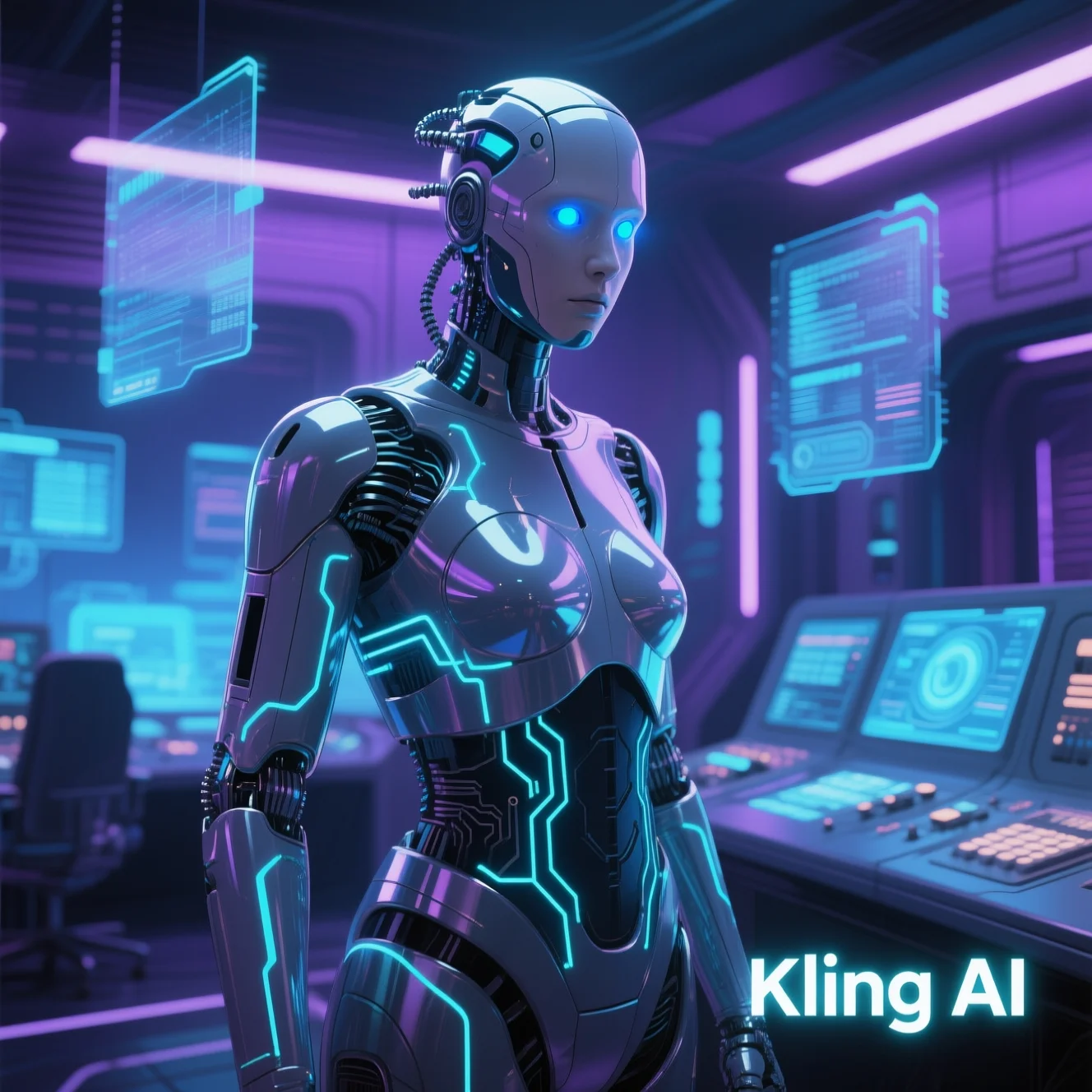
Kling AI has stormed onto the scene as one of 2025’s most exciting AI video generators. Built by Kuaishou, the platform blends AI-driven text-to-video and image-to-video tools into a surprisingly intuitive creative suite. Whether you’re a marketer, educator, creator, or hobbyist—you’ll find its blend of ease, power, and scalability hard to ignore.
Let’s dive deep into how Kling AI works, what sets it apart, its pricing, how to use it, real use cases, and why it might just be your next secret weapon.
What Is Kling AI?
Kling AI is an AI-driven video creation tool developed by Kuaishou, the Chinese equivalent of TikTok. Officially launched in June 2024, it quickly gained attention for turning simple text prompts—or even static images—into cinematic short videos at 1080p HD resolution. It caters to everyone from creators and educators to startups hungry for cost-effective video production.
This isn’t just another video tool—it’s one that sits at the intersection of generative AI, storytelling, and creative studios.
How Kling AI Works
Kling AI’s magic begins with your input—either a text prompt or an image. Here’s how it flows:
- Text-to-Video Workflow: You type in a prompt like “A cozy cabin by a snowy forest, glowing lights.” Kling AI processes it, suggests motion, lighting, and mood, then outputs a video with dynamic panning and cinematic style.
- Image-to-Video Workflow: Drop in your image—say, a character illustration—and the system animates it with camera angles, subtle motion, or emerging animations.
- DeepSeek Integration: Version 1.6 (Dec 2024) brought seamless semantic parsing of prompts—DeepSeek helps the AI understand not just words, but context and intent.
All of this happens behind the scenes in seconds to minutes. Kling AI streamlines creative workflows in ways traditional tools—like Premiere or After Effects—can’t.
Kling AI Features (2025 Updates)
Here’s where Kling AI shines. These features alone justify diving in:
- 1080p HD Output – Crisp visuals perfect for YouTube, TikTok, presentation slides.
- 2-Minute Video Generation (introduced in version 2.0, April 2025) – Ideal for storytelling, trailers, ads.
- Keyframing Support (version 2.1, May 2025) – Gain frame-by-frame control over motion.
- Dynamic Camera Movements – Smooth pans, zooms, transitions inject cinematic flair.
- Built-in Sound & Music – AI-generated audio optionally complements visuals.
- Aspect Ratio Flexibility – Supports vertical (TikTok/Instagram), horizontal (YouTube), and cinematic formats.
These aren’t just checkboxes—they empower you to create with finesse. The added keyframing transforms Kling AI from a novice tool into a professional-grade studio.
Kling AI Versions & Timeline
| Date | Version | Key Enhancement |
|---|---|---|
| June 2024 | Launch | Initial text-to-video capability |
| December 2024 | 1.6 | DeepSeek semantic AI integration |
| April 2025 | 2.0 | Extended video length – 2 minutes |
| May 2025 | 2.1 | Keyframing and motion control added |
| June 2025 | 1-Year Milestone | Over 10 million clips generated |
From humble beginnings in mid-2024, Kling AI’s growth has been both fast and focused. Each release adds depth and polish—not just bells and whistles.
Kling AI Benefits You’ll See
- Time-Saving: What might take hours in After Effects takes minutes here. It’s a massive productivity boost.
- Cost-Effective: Even the Premium plan costs just $65/month, much lower than hiring editors or animators.
- Scalable: Batch-create content for campaigns, ads, or social media with ease.
- Beginner-Friendly: The drag-and-drop interface and prompts make it accessible—even if you’ve never edited a video.
- Studio-Grade Quality: You get smooth camera moves, cinematic storytelling, and consistent animation quality.
Imagine handing a prompt to your computer in the morning and having a polished ad ready by lunch. That’s the productivity Kling delivers.
Kling AI Pricing (2025)
| Plan | Price | Key Features |
|---|---|---|
| Free Tier | $0 | Limited credits, basic 1080p rendering |
| Standard | $4/month | More credits, extended features |
| Premium | $65/month | Full resolution, sound, keyframing |
| Pro / Enterprise | Custom Pricing | API access, VR add-ons, bulk tiers |
Kling AI uses a credit system: generating videos costs credits based on length, resolution, and features like motion, sound, and effects. The Free Tier is great to test the waters. Standard unlocks more capability, and Premium is solid for professionals wanting full creative control. API tiers help developers integrate Kling into their workflows or services.
Kling AI Tutorial – How to Create Your First Video
Let’s walk through a simple workflow:
- Step 1 – Sign Up: Use the web platform (klingai.com), or install the iOS/Android apps.
- Step 2 – Choose Input: Enter your text prompt (“A futuristic city at sunrise”) or upload an image.
- Step 3 – Adjust Settings: Select resolution, aspect ratio (vertical, horizontal, square), duration.
- Step 4 – Add Sound: Let Kling inject AI-generated audio or skip it.
- Step 5 – Preview & Refine: Preview your video, tweak the prompt or keyframes if needed.
- Step 6 – Export & Share: Spend credits, then export your video ready for YouTube, TikTok or social media.
Pro tip: Use a clear prompt, like “slow reveal, soft morning light, gentle pan”—it yields more cinematic results.
Kling AI Use Cases
Here’s what creatives are doing with Kling AI:
- Marketing: Short ads that feel cinematic—without hiring a videographer.
- Education: Animated explainers or tutorials to boost engagement and clarity.
- Entertainment: Mini trailers, story snippets, conceptual art brought to life.
- Gaming: Animate characters, intros, or motion trailers for indie developers.
- Social Media: Vertical stories for TikTok, Reels, or YouTube Shorts that grab attention fast.
AI-generated audio and visuals let you focus on story, not tedious edits.
Kling AI vs Competitors
| Tool | Kling AI | Competitor Highlights |
|---|---|---|
| Runway ML | Streamlined prompts, keyframing control | Strong at compositing, creative plugins |
| Luma AI | Cinematic and smooth motion | High photorealism, 3D object generation |
| OpenAI Sora | Story-driven 2-minute clips | Strong physics simulation, realism |
| LoRA AI / Vidnoz AI / Pollo AI | Specialized niches (e.g., stylization, templates) | Often more limited in scope or depth |
Kling AI stands out with its balanced mix of cinematic output, ease-of-use, and affordability—especially since the introduction of keyframing.
Technical Challenges & Limitations
Even great tools have limits:
- Motion Consistency: Sometimes camera moves look abrupt or unnatural.
- Audio Sync: AI-generated sound may not always match visual pacing perfectly.
- Credit Costs: Longer or more complex videos quickly eat credits—watch usage.
- AI Ethics: Always ensure your generated content respects copyrights and likeness rights.
Staying aware of these lets you manage expectations and deliver polished results.
Kling AI Community & Ecosystem
- Feedback-Driven Development: User feedback on Discord and X (Twitter) directly influences updates.
- Active Community: Share tips, prompt ideas, and showcase clips on social platforms.
- Rapid Feature Rollout: Versions 2.0 and 2.1 rolled out new capabilities within months, showing how responsive the team is.
Joining the community gives you early access to beta features and insider tips.
The Future of Kling AI
What’s next on the horizon?
- Version 2.2+: Expect more advanced motion control, faster render times, and better audio syncing.
- 4K Output: Professionals and studios are already asking—Kling AI will likely deliver.
- Expanded API and Developer Tools: More integrations, plugins, and automation workflows.
- Wider Adoption: With seamless usability and “good enough” cinematic output, expect adoption in advertising, indie film, and education.
Kling AI’s future looks not just bright—it’s set to light up how creatives everywhere work.
FAQs about Kling AI
- Is Kling AI free?
Yes, there’s a Free Tier with limited credits—enough to test functionality and render short clips. - What’s the difference between Kling AI and Runway ML?
Kling AI focuses on prompt-based cinematic creation, keyframing, and affordability. Runway ML leans heavier on compositing and plugin-rich creative workflows. - Does Kling AI work on iOS and Android?
Absolutely. You can use it on the web, iOS, or Android to create on the go. - Can you use Kling AI for commercial videos?
Yes—especially on Premium and Enterprise tiers. Just check licensing terms for audio and stock assets. - How long can Kling AI videos be?
Up to 2 minutes as of version 2.0. Future versions may increase that. - Does Kling AI support 4K?
Not yet. For now, the max is 1080p HD. Keep an eye on upcoming updates.
Final Thoughts
Kling AI isn’t just another text-to-video tool—it’s a leap forward. It blends cinematic motion, intuitive controls, and affordability in a way that feels modern and creative. If you’re looking to make dynamic content without the overhead of traditional video editing, Kling AI might just be your new best friend.
You’ve got a story—now let Kling AI help you bring it to life.