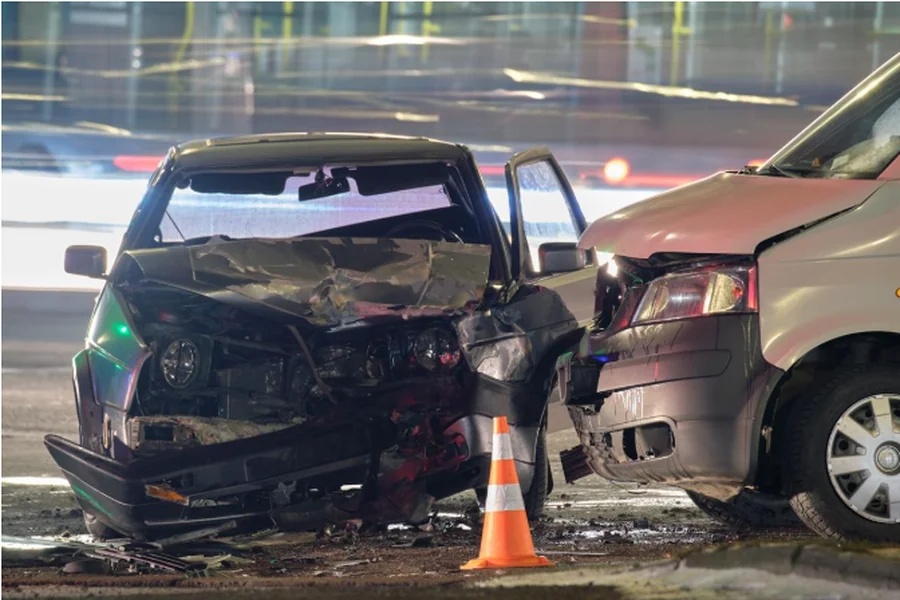
Accident scene analysis is a race against time. Every minute matters—both for emergency services and for road users. Traditional documentation methods often turn seemingly simple incidents into long hours of office work. In this article, we show how automatic 3D modeling transforms this process and how SkyeBrowse reduces accident scene analysis from hours to minutes—without compromising precision or evidentiary value.
Want to learn how to convert an incident scene into a digital 3D model faster, reduce road closure times, and simplify the entire measurement and reporting process? See how to start improving your day-to-day work step by step with SkyeBrowse.
From hours to minutes — Save time on accident scene analysis with SkyeBrowse
Accident scene analysis rarely ends at the moment evidence is collected in the field. In practice, it is the office phase that consumes the most time due to:
- manual measurements,
- comparing photographs,
- creating situational sketches,
- correcting proportions,
- attempts to reconstruct the geometry of the incident based on fragmented data.
Every missing element, inaccuracy, or ambiguous shot means additional hours of work or the need to return to the scene. This is where time most often slips away—time that could otherwise be spent on substantive analysis rather than technical reconstruction of the scene.
Click and discover the drone mapping software SkyeBrowse.
A 3D model completely changes this workflow. Instead of a collection of photos, videos, and notes, you receive a coherent, spatial record of the accident scene—a digital twin that can be analyzed repeatedly, from any perspective and at any time.
Once captured, spatial data enables measurements, comparisons, and team consultations without the need to revisit the site. This is precisely why SkyeBrowse communicates a reduction in documentation time from hours to minutes. Automated 3D modeling eliminates the tedious process of rebuilding the scene after the fact and shifts the workload from technical reconstruction to true incident analysis.
This reduced time has real-world implications for public safety. Faster documentation means shorter road closures, less traffic disruption, and a smaller impact on the local community. Instead of spending hours working on the roadway, you can preserve the accident scene as a 3D model and continue the analysis later in a safe office environment.
How to get started and truly shorten accident scene analysis? Measurements and reporting step by step
The first step is a fast technical start, which with SkyeBrowse does not require lengthy onboarding or complex configuration. You register an account, log in to the platform, and select a scenario that matches your use case—from road traffic incidents to other public safety situations. Source material for the model can be captured using either a drone or a mobile device. This provides flexibility in the field and allows you to adapt your workflow to the real conditions of the incident.
Want to learn more? Check the article: Free drone mapping software – SkyeBrowse for beginners.
The capture stage itself is critical. It determines the quality and completeness of the 3D model. SkyeBrowse relies on automated processing, so it is enough to ensure consistent video footage from a drone or to upload a stable recording from another mobile device. This helps you avoid situations where, after returning to the office, you realize that a key fragment is missing and a return to the scene is required. A well-executed capture saves time not only at the accident site but also during the later analysis stage.
Once the footage is uploaded to the platform, the model generation process begins. SkyeBrowse consistently emphasizes creating models in minutes. The result is a ready-to-use 3D model that you can work with almost immediately, instead of waiting hours for manual data processing.